
A live Avatar for your website or chatbotthat can even sync with a real voice call.
An avatar that speaks, listens, and syncs with live calls
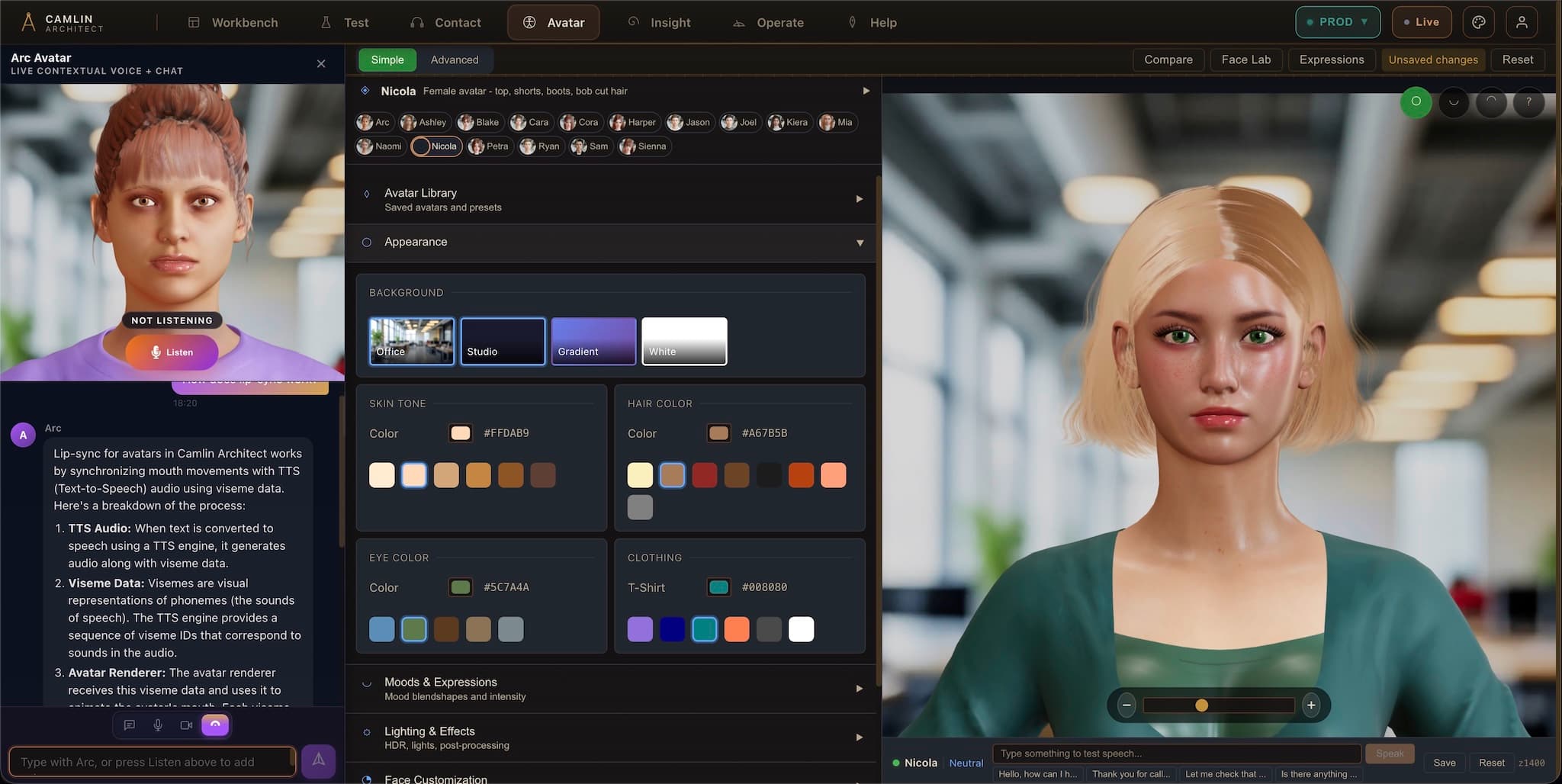
The avatar's mouth moves in sync with every word it says. Expressions change with tone. It looks like a real person talking.
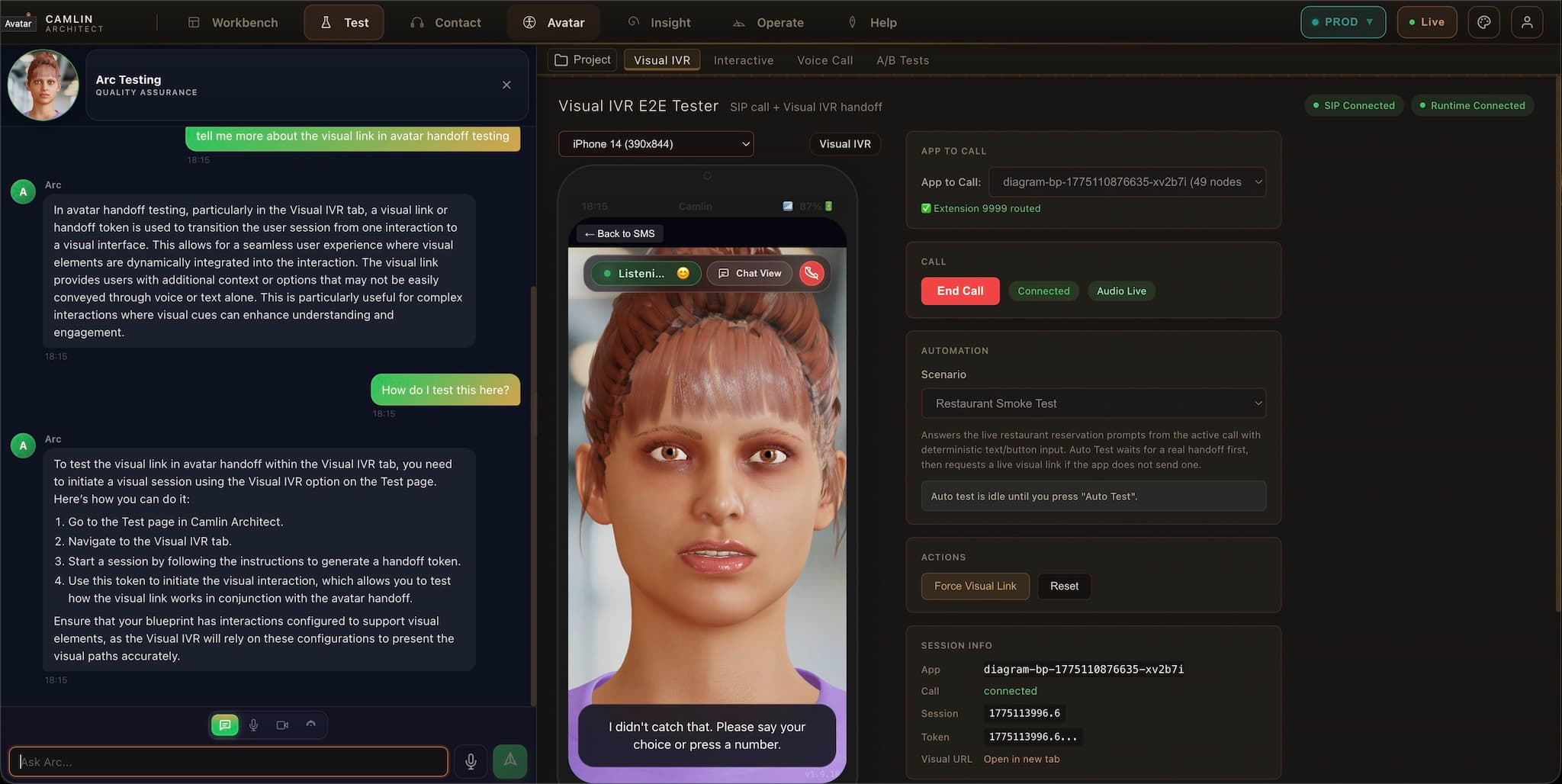
A customer on a phone call opens a visual journey on their screen. The avatar picks up where the voice left off.
After the call or avatar session, the customer gets an SMS with a link, a summary, or the next step — automatically, no agent needed.
Don’t book a demo. Call one.
Our avatar receptionist answers this number right now — built on Camlin Connect, speaking with Camlin Speech, live on our real phone line. No form, no scheduling. Ring it and talk to the product.
This is what makes Avatar genuinely different
How the sync works
The lip-sync is driven by the speech stream in real time. The Visual IVR runs on the phone screen while the call stays live. The SMS continuation carries the context forward after the call ends.
A live avatar speaking in sync
with a real voice call
Voice call begins
The customer calls in. Camlin Contact routes the call and speech recognition starts.
SMS triggers the avatar
Mid-call, an SMS link opens a real-time avatar on their screen, synchronised with the voice call.
Avatar syncs with speech
The avatar lip-syncs to the live voice stream — speaking when the system speaks, listening when the customer talks.
Visual IVR on screen
Forms, confirmations, and selections appear on the phone screen while the voice call continues.
Three high-value ways teams use Avatar
Turn a static website into guided service
Put Avatar beside public pages so visitors can ask questions and reach the next step without hunting through the site alone.
Bring live help into a portal or app
Open Avatar inside a logged-in product or workflow so the conversation starts with the task already on screen.
Extend live service beyond audio
Use Avatar inside Camlin Contact when a live journey needs on-screen guidance, synchronised speech, and SMS follow-through.
Powered by Camlin Voice
Frame-accurate ARKit lip-sync, generated end-to-end by Camlin
52-channel ARKit blendshapes at 60 fps come out of the same TTS call as the audio. No Azure dependency, no third-party lip-sync service, runs in the same data centre as the rest of your Camlin stack.
Three practical ways to start without replacing the product
Embed Avatar in the page
Avatar directly inside a page, workflow, dashboard, or portal you already own.
Dock it beside the workflow
A side assistant beside the website or app — avatar, chat, and voice together.
Launch it as a site companion
Avatar opens beside an existing site without rebuilding the product.
Camlin can start from the pages, FAQs, and services you already have, so the assistant begins with useful context instead of a blank knowledge base.
The avatar model library
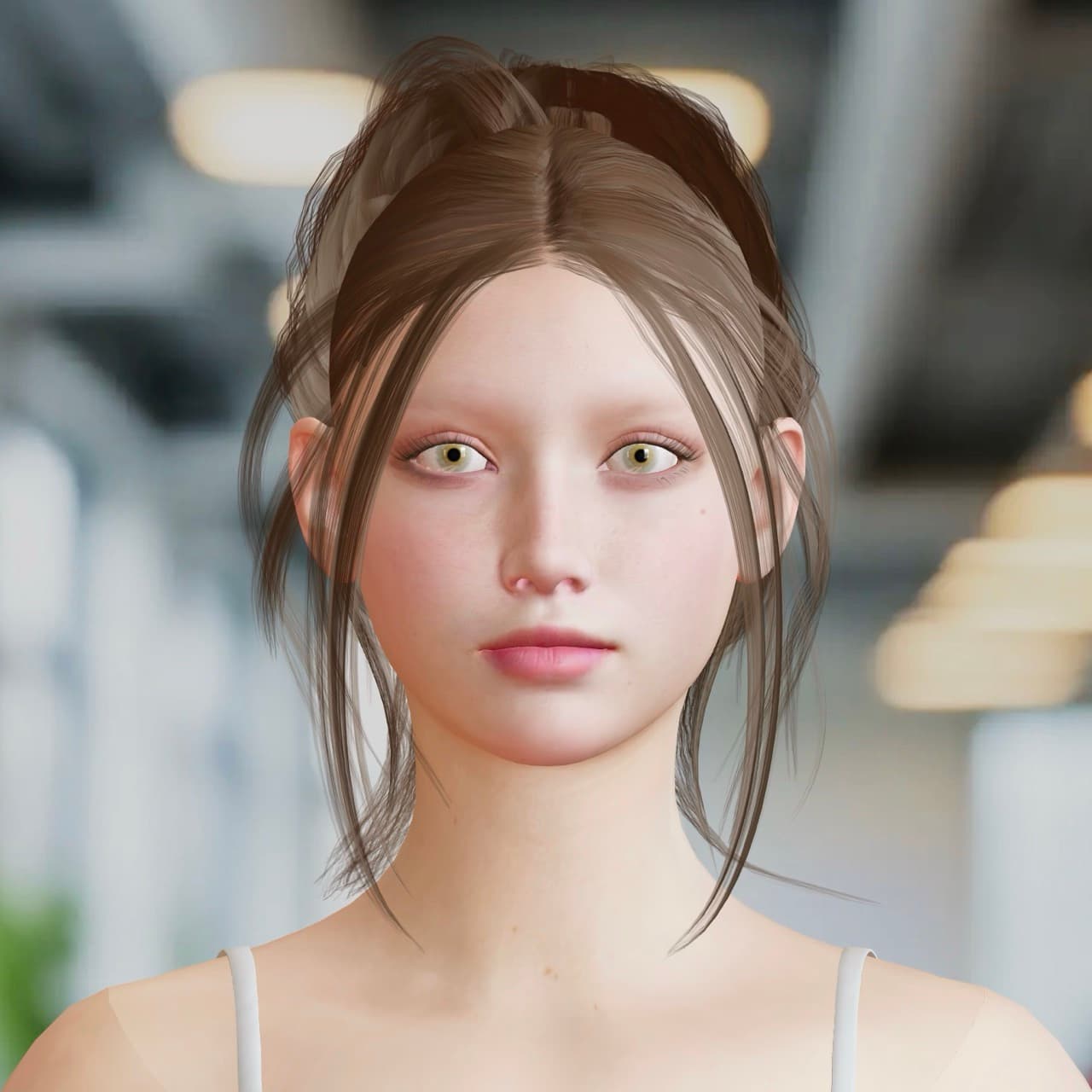
Warm and approachable, designed for customer-facing service journeys where the first impression matters.
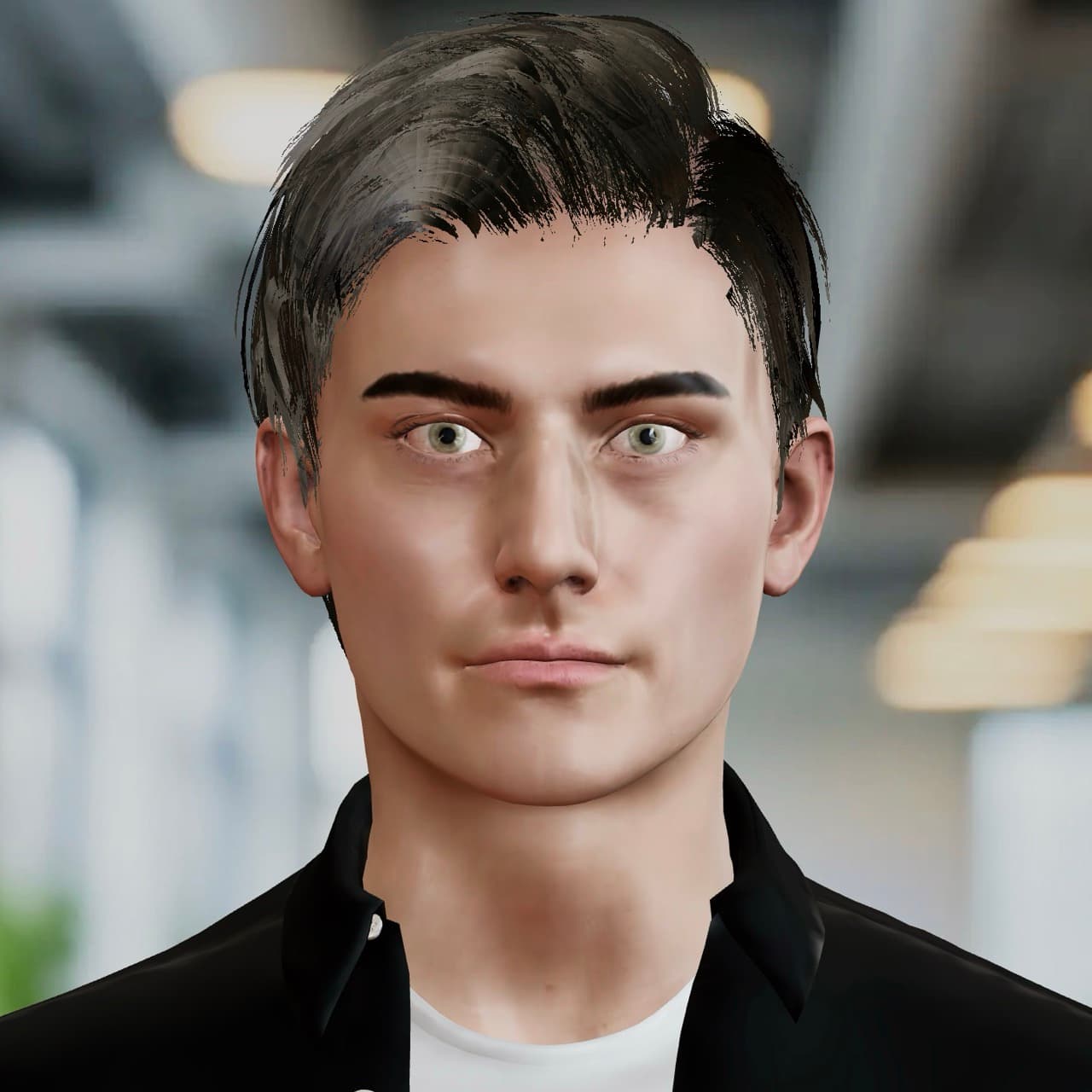
Precise and methodical — suited for verification flows, compliance walkthroughs, and data capture.
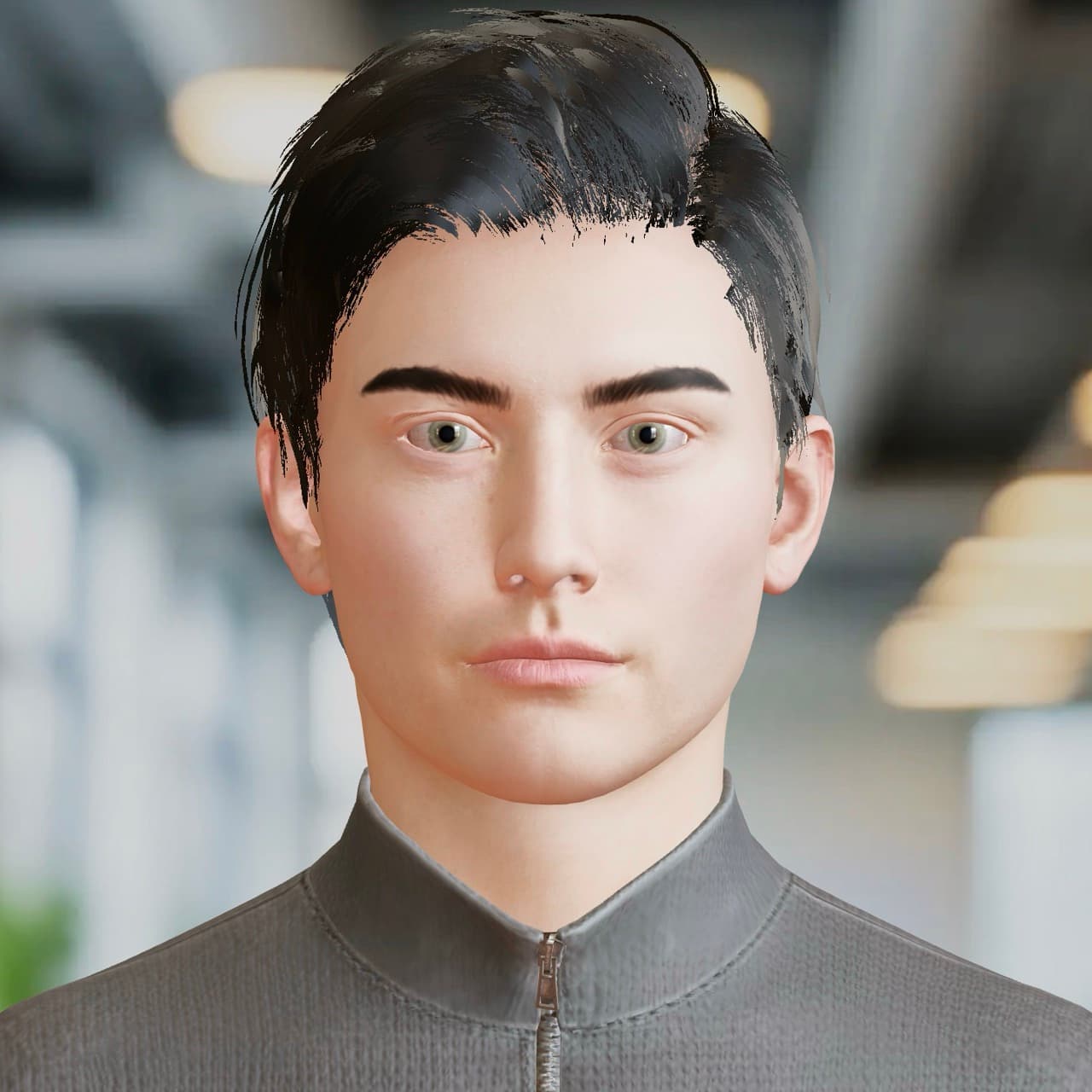
Confident and structured — built for technical walkthroughs, system demos, and review meetings.
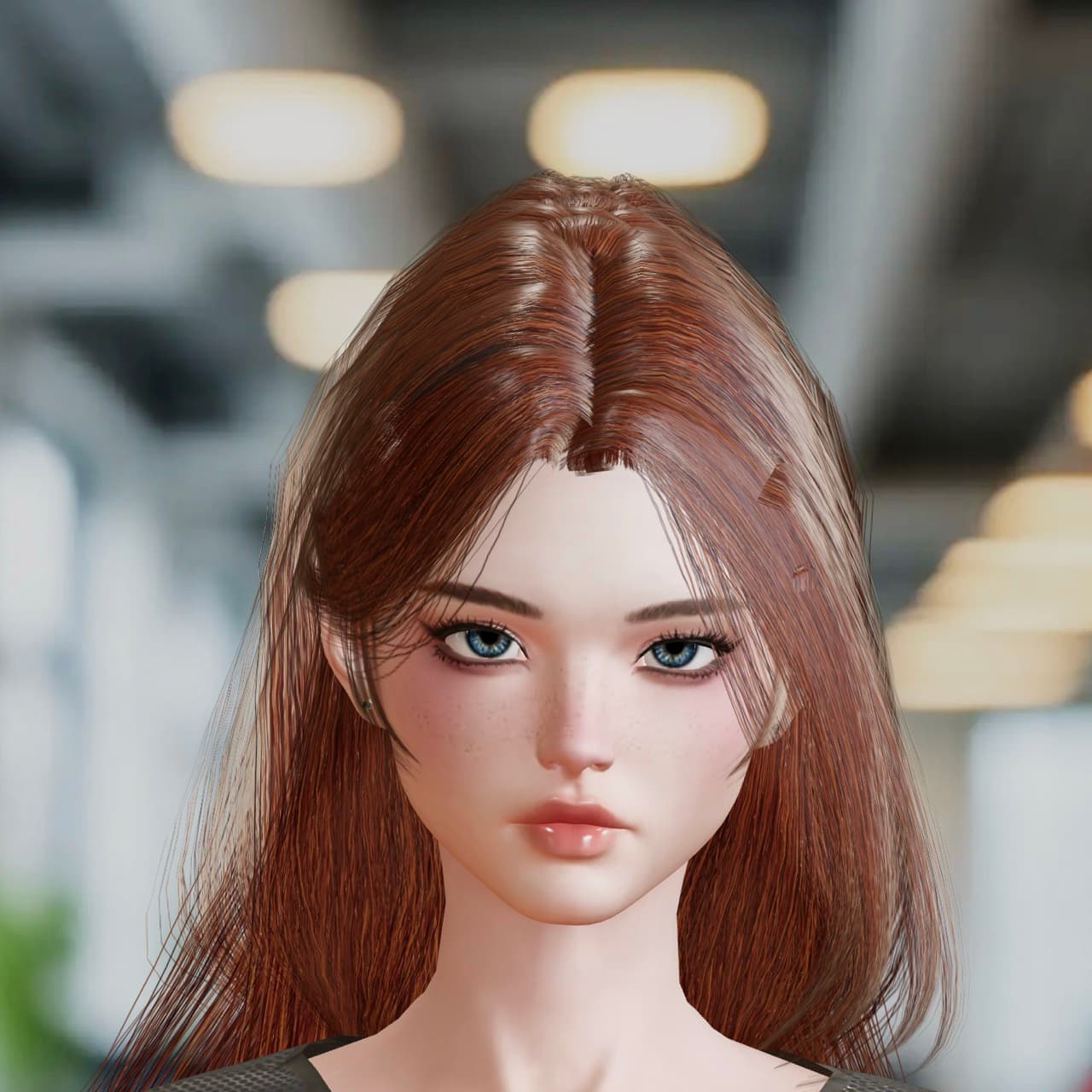
Expressive voice delivery and natural pacing — ideal for voice-forward experiences and live call sync.
You've already met it
Explore the platform
Camlin Architect
Describe the service, inspect the Blueprint, trace runtime behaviour, and publish.
Camlin Contact
Voice, SIP, queues, visual IVR, SMS, and live service operations.
Camlin Speech
Nuamedia STT, TTS, prompts, visemes, and provider routing.
Camlin Insights
Trace, diagnostics, change history, audit evidence, and product memory.
Camlin Biometrics
Voice identity, step-up checks, fraud controls, and consent evidence.